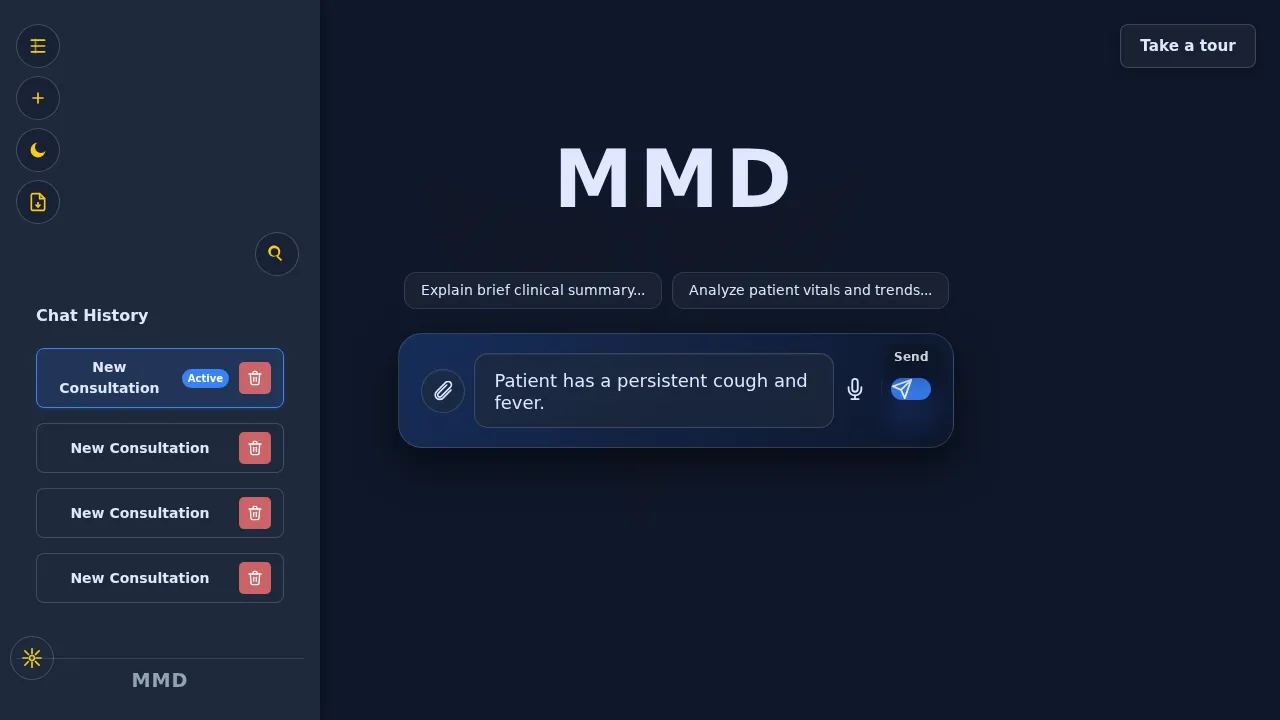
Medical Analysis, Simplified.
Advanced AI diagnostics, immersive document viewing, and a personalized workspace—built for modern healthcare.
Start Using MMDIntelligent Clinical Workflow
Seamlessly attach patient reports and get instant, structured AI analysis. The system understands medical context and explains complex terms automatically.
- Smart Context: Analyzes attached PDFs and images.
- Structured Output: Clear Findings, Recommendations, and Definitions.
- Intuitive Upload: Easily upload and manage files with our attachment viewer.
Message Streaming Flow
Real-time chat with immediate feedback and secure attachments.
- Live Streaming: Real-time message updates for immediate feedback.
- Progressive Responses: Replies appear quickly and naturally.
- Resilient Behaviour: Reliable behavior to keep conversations smooth.
- Attachments & Context: Supports attaching documents for use during demos.
Medical Terms & Inline Definitions
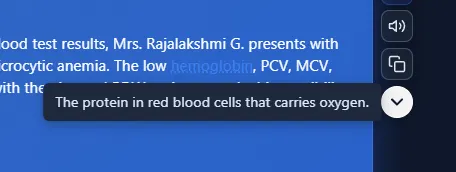
Important medical terms are underlined in responses — hovering or clicking a term reveals a concise definition tooltip. This improves understanding and keeps the conversation accessible without leaving the chat context.
- Underlined Keywords: Terms are visually emphasized and interactive.
- Tooltip Definitions: Hover or click to see a short, contextual explanation.
- Accessible: Tooltips work with keyboard focus and screen readers.
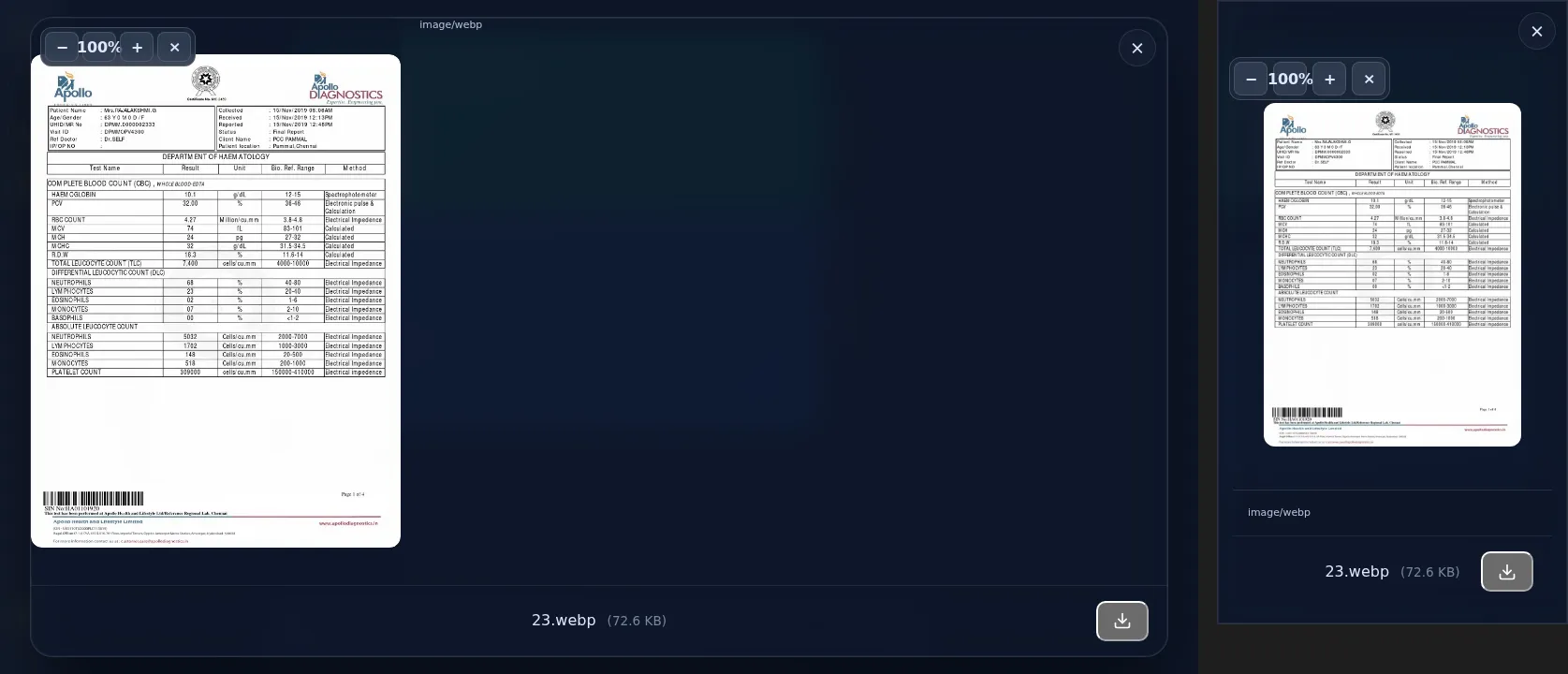
Immersive Viewing
Examine documents with our new, distraction-free attachment viewer. Designed for clarity with a modern glassmorphism aesthetic.
- Focused Experience: Blurred backdrop keeps you focused.
- Responsive Design: Perfect on desktop and mobile.
- Glass UI: Beautiful, semi-transparent interface.
Day & Night Modes
Whether you're in a dim radiology room or a bright office, MMD adapts to your environment for maximum eye comfort.
- Instant Toggle: Switch themes with a single click.
- High Contrast: Optimized for readability.
- Consistent UI: Beautiful in any light.
Statistics & Clinical Distribution
The Statistics tab summarises what your consultations actually contain — a distribution of the medical profile across your sessions, not a count of messages. It opens as a dialog from the sidebar and is loaded on demand, so it never slows the first paint of the app.
- Medical profile distribution: how your consultations split across specialties and conditions.
- Honest empty states: a new account sees an explanation of why a chart is empty and what to do, never a blank frame.
- Lazy-loaded: the charting code is only fetched when you open the tab.
- Works on mobile: opens above the sidebar rather than behind it.
See your own distribution
Open the app and choose Statistics in the sidebar. New accounts start empty, with a note explaining that the charts fill as consultations are saved.
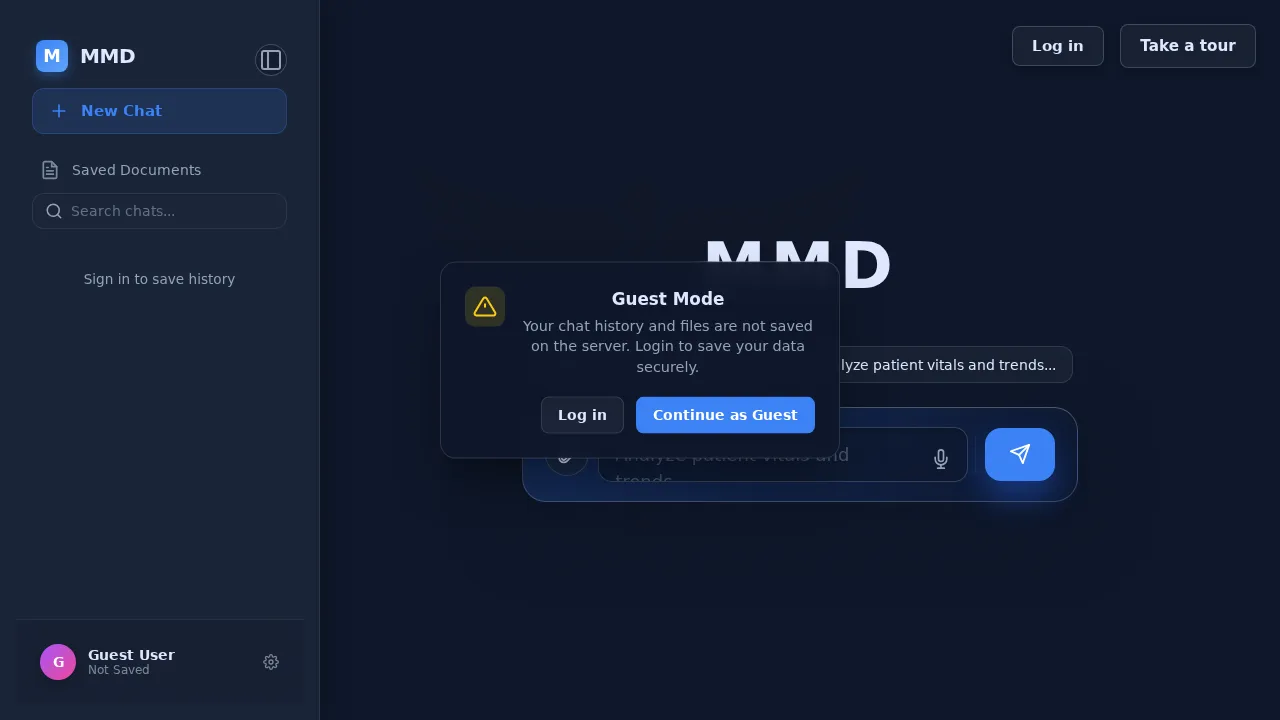
Open MMDGuest Mode — Try without signing in
Use MMD in Guest Mode for quick demos and one-off checks: ephemeral sessions, limited features, and no persistent user data — perfect for testing or sharing examples.
- Quick Access: Start a session without creating an account.
- Ephemeral Sessions: Temporary sessions — uploads are not saved See our Privacy page for details.
- Safe Demos: Uploads are temporary and not persisted after the demo.
- Consistent UX: Full viewer and streaming features in read-only / limited capacity.
Responsive Left Panel
A compact, accessible sidebar that adapts to screen size and stores user preferences.
- Responsive: Collapses on small screens and expands on desktop.
- Persistent State: Remembers your sidebar preference between visits.
- Quick Actions: New Chat, Saved Documents, and Account & data management options.
- Settings & Profile: Settings popover, theme toggle, and clear feedback toasts.
- Accessible: Keyboard navigation, focus states, and clear ARIA hints.